In this article
Choosing a new EHR involves records, colleagues and daily care that must continue. This guide helps you prepare a clear transition to Phase2.
1. Start with everyday workflows
List what your team needs: reports, client records, scheduling, secure messaging and possibly invoicing. Involve practitioners and administrative colleagues. Book an introduction and review a familiar working week together.
2. Set up your practice step by step
After choosing a plan, complete onboarding. Prepare the following:
- Organisation — practice details and your AGB code.
- Agreements — review the processing agreement and terms before accepting digitally.
- Locations — add at least one treatment location.
- Documents — decide which documents and categories you use.
- Treatment plans — prepare your templates.
- Appointment types — define appointment types and report headings.
3. Prepare existing data
Ask your current provider which exports are available. List records, treatment plans, documents, appointments and outstanding administration. Agree what will be transferred, in which format and how completeness will be checked.
Transfer options depend on the source system and available exports. Share medical data only through an agreed secure transfer, not ordinary email. Read about our migration service and discuss the approach for your practice.
4. Check before going live
Agree a start date and check the setup together:
- Records — check that agreed information is complete and correctly placed.
- Access — check who can see which records.
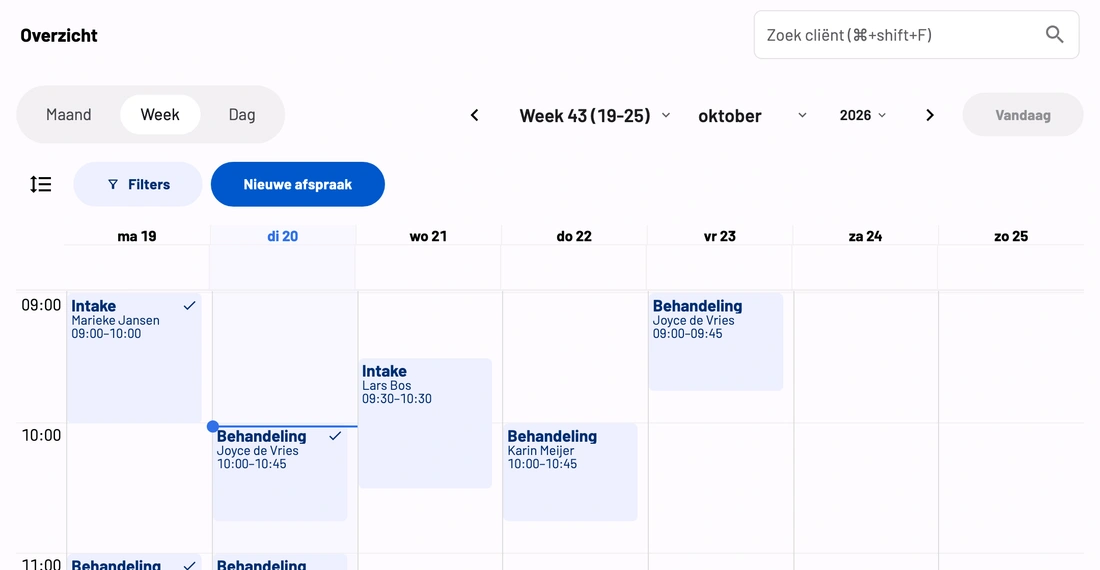
- Workflows — test an appointment, a draft report and a secure message.
- Invoicing — if selected, also check the billing process.
- Closure — arrange access, archiving and outstanding administration before cancelling your old system.
5. Compare more than monthly fees
Consider ease of use, mental-health workflows, support, data protection and total costs. Ask about exports and extra modules. Shortlist two or three systems and involve your team. Read our EHR comparison.
The European plans are AI Complete at €50 and AI Complete + Automatic Invoicing at €60 per user per month, excluding VAT. The invoicing module is the difference. The first 30 days are free. Check current regional pricing.
Your data remains yours
If you leave Phase2, you receive your records as a full export, free of charge. Document arrangements for data, retention and access during every transition.
Take the next step together
Book an introduction to discuss your workflows, questions and preparation.